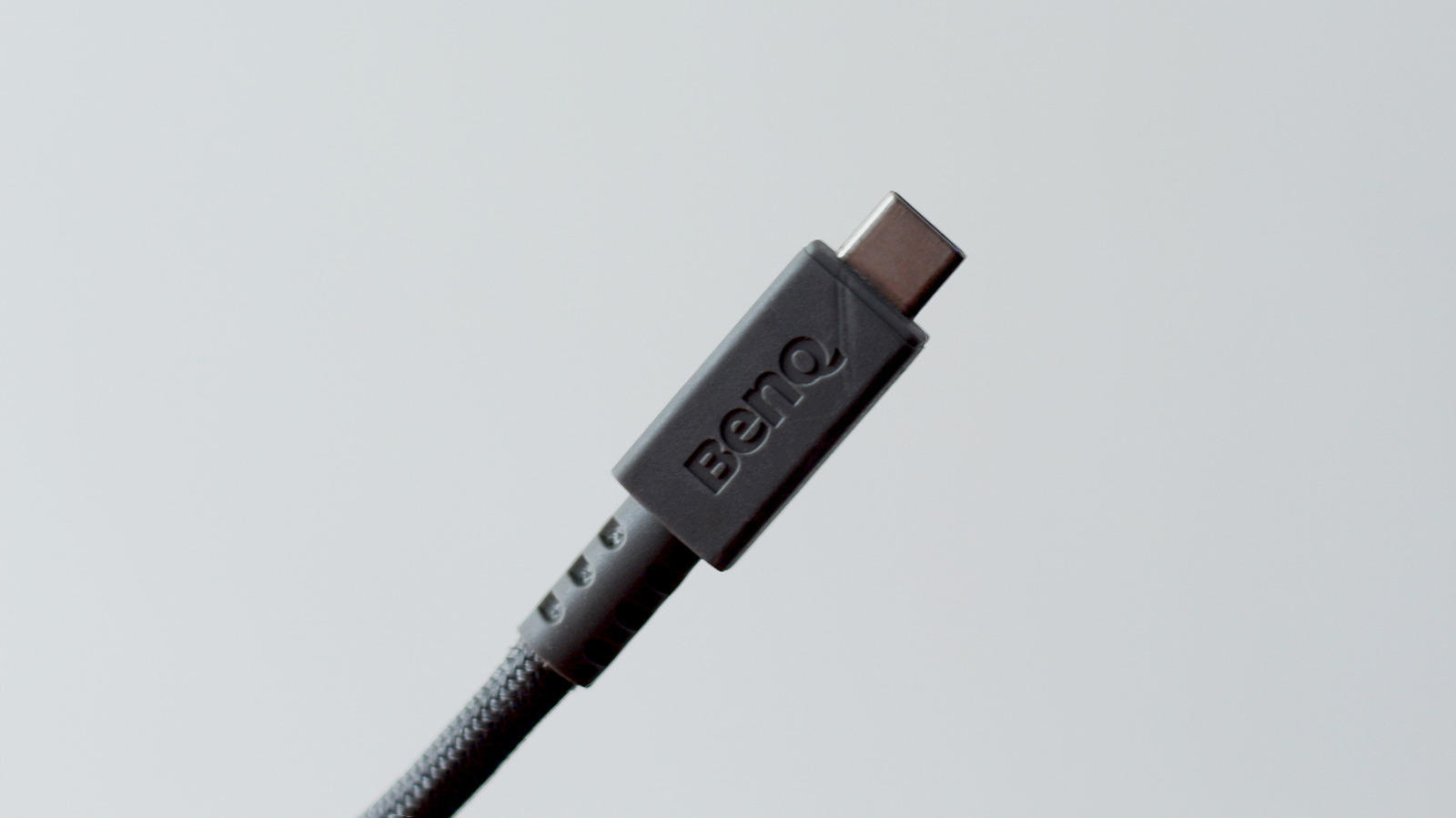

They’re for more than just fast charging.
Being able to use the same cable to charge your phone, laptop, headphones or a cordless screwdriver is a convenience we now have thanks to USB-C. Sure, it might have taken the iPhone an embarrassingly long time to drop its proprietary Lightning port, but we’re all one big happy family now, right? Well, not exactly. If you’ve ever tried shopping for a USB-C cable, you’ve likely come across several different standards, each advertising different capabilities. USB4 happens to be one of the latest standards, and it doesn’t come cheap.
Assuming you’re shopping from a reputable brand, a high-quality USB4 cable will typically cost anywhere between $20 and $60, depending on its length and charging speed. That’s a lot more expensive than the dollar-store USB-C cables that also claim to top up your devices. So why pay the premium when you can snag a multi-pack for far less and have more of your devices’ charging and data transfer needs covered?
It’s because USB4 cables are designed to accommodate more than just fast charging or file transfers. They’re capable of handling a lot more bandwidth — up to 80 Gbps symmetric or 120/40 Gbps asymmetric with the newer USB4 Version 2 specification. A single USB4 cable can power an entire setup comprising external monitors, high-speed SSDs, docking stations and other peripherals while supplying your laptop with all the power it needs.
Thunderbolt 4 and 5 are Intel’s counterparts to USB4 that share the same connector type. These standards are often interchangeable, but sticking with the one your device officially supports is the best way to ensure you’re getting all the performance you’re paying for.
Shopping for the right USB-C cable
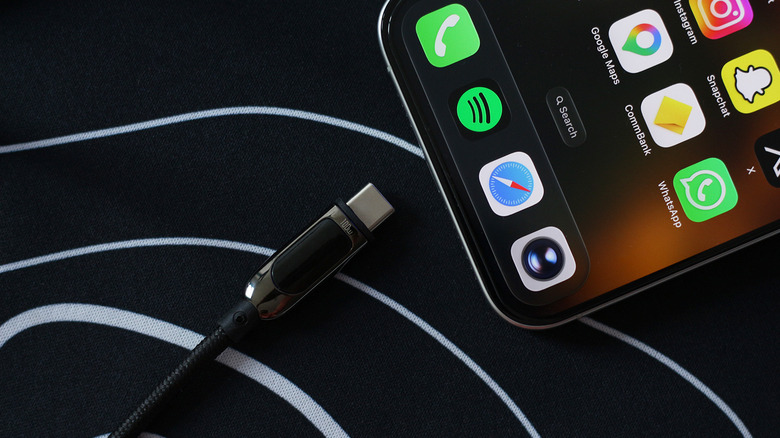
For something that has “universal” in its name, USB-C cables are surprisingly tricky to shop for. What many people aren’t aware of is that USB-C simply refers to the shape of the connector and it tells next to nothing about its capabilities. Being reversible and compact are benefits in their own right, but this means that a USB-C cable can support anything from the slower USB 2.0 standard, which tops out at 480 Mbps, to the latest USB4 specification. My iPhone 15 Pro Max, for instance, boasts a 10 Gbps USB-C port, but the cable that Apple shipped in the box is limited to USB 2.0 speeds. If I wasn’t nerdy enough, I’d have assumed the slow transfer speeds were a limitation of the phone itself.
One redeeming quality of USB4 cables is that you generally won’t have to think about any of this. As long as your devices are compliant with the USB4 specification, you will be able to take advantage of the fastest data transfer and charging speeds they support. Of course, since USB4 is backward compatible, you can always use the same cable to charge older devices that have the USB-C connector.
That said, it doesn’t make much sense to buy an expensive USB4 cable if you don’t have a device that can reap its full benefits. Dedicated power delivery cables (which also come in USB 2.0 or USB 3.0 standards) can be had for cheaper if all you’re looking for is the fastest way to charge your phone or laptop over USB-C.