
The major refreshes that Apple gives its software each year get a lot of attention—you can read our round-up of new iOS 26 and macOS 26 features—but there are also plenty of minor updates that appear during the rest of the year as well.
These minor updates don’t often include big changes that will significantly affect how you use your devices, but they regularly feature small improvements and tweaks that are well worth knowing about.
Listed below you’ll find all the notable upgrades included in iOS 26.3 and iOS 26.4, the two most recent updates pushed out by Apple, besides the usual slew of tweaks and bug fixes. To check for new updates on your iPhone, head to Settings, then select General > Software Update.
iOS 26.3
Limit precise location: iOS 26.3 lets you limit how closely your carrier can track your location, though the carriers themselves also need to add support for the feature. Apple says it’s like the difference between knowing which neighborhood you’re in, and which address you’re at: Choose Mobile Service > Mobile Data Options from Settings to find it.
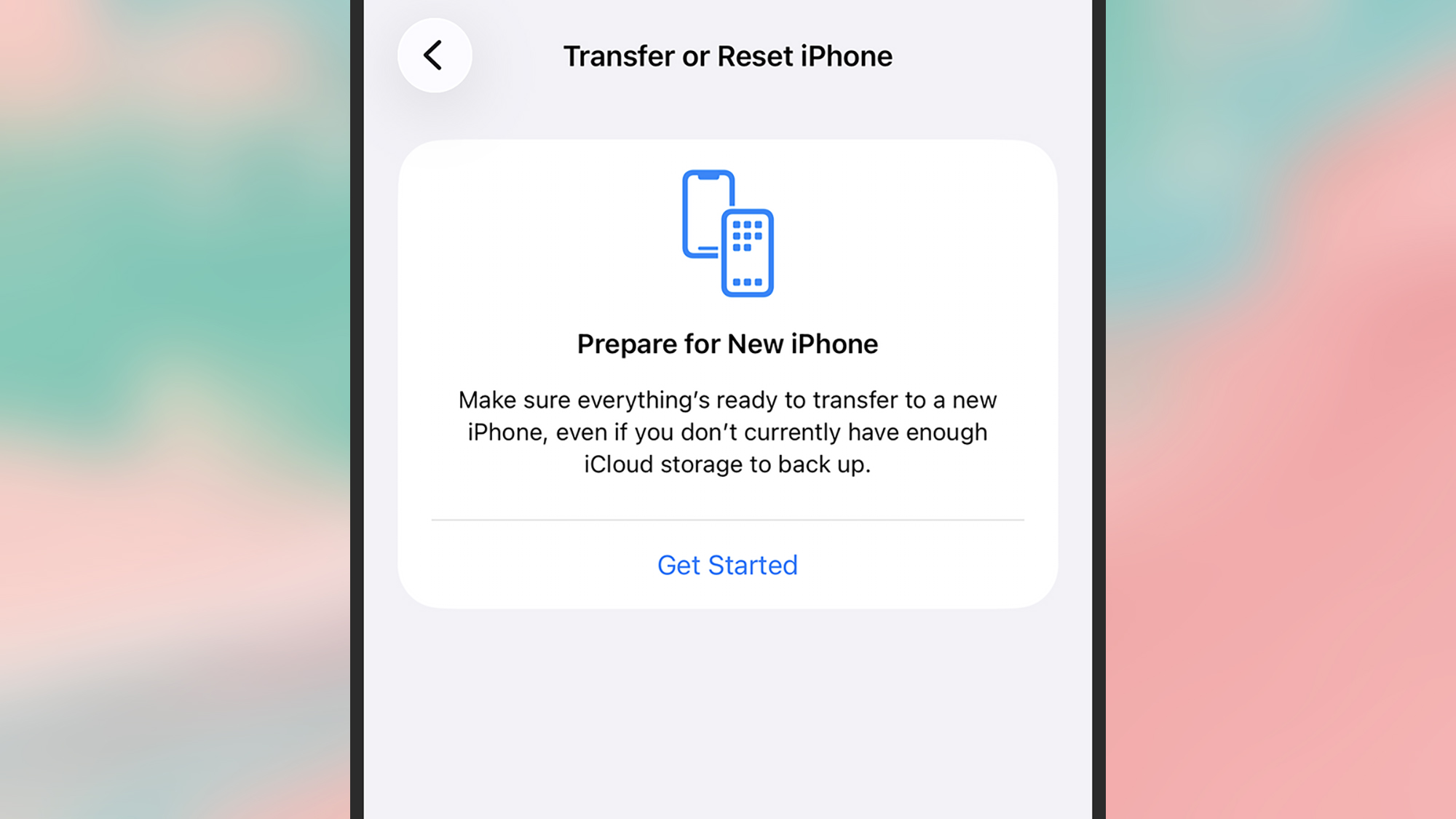
Transfer to Android: Apple is lending Google a hand and making it a little more convenient for you to switch over to Android, if you’ve had enough of Apple phones. When an iPhone is in a transfer state, an Android handset can move data over from it, and you can find this from iOS Settings by selecting General and then Transfer or Reset iPhone.
Weather and Astronomy wallpaper: Wallpaper options get a refresh in this update as well, with Weather and Astronomy breaking out into their own categories so you can get to these types of backdrop more quickly. Open Settings, then select Wallpaper to make changes—you can either customize the existing iOS theme, or work on a new one.
iOS 26.4
Average Bedtime: iOS 26.4 comes with a small tweak to the Health app, in the form of a new Average Bedtime metric in the Sleep section. It gives you another stat to check against your sleep quality, and to use for goal setting, if you’re using a connected Apple Watch (or another device that plugs into the Health app) to monitor your slumber overnight.
CarPlay AI: Third-party AI assistants such as Claude and ChatGPT can be accessed through the CarPlay interface for the first time with this software update, though you’re still relatively limited in terms of what you can do. You can only interact with them via voice, and you can’t use them to control any of the settings in CarPlay or your vehicle.
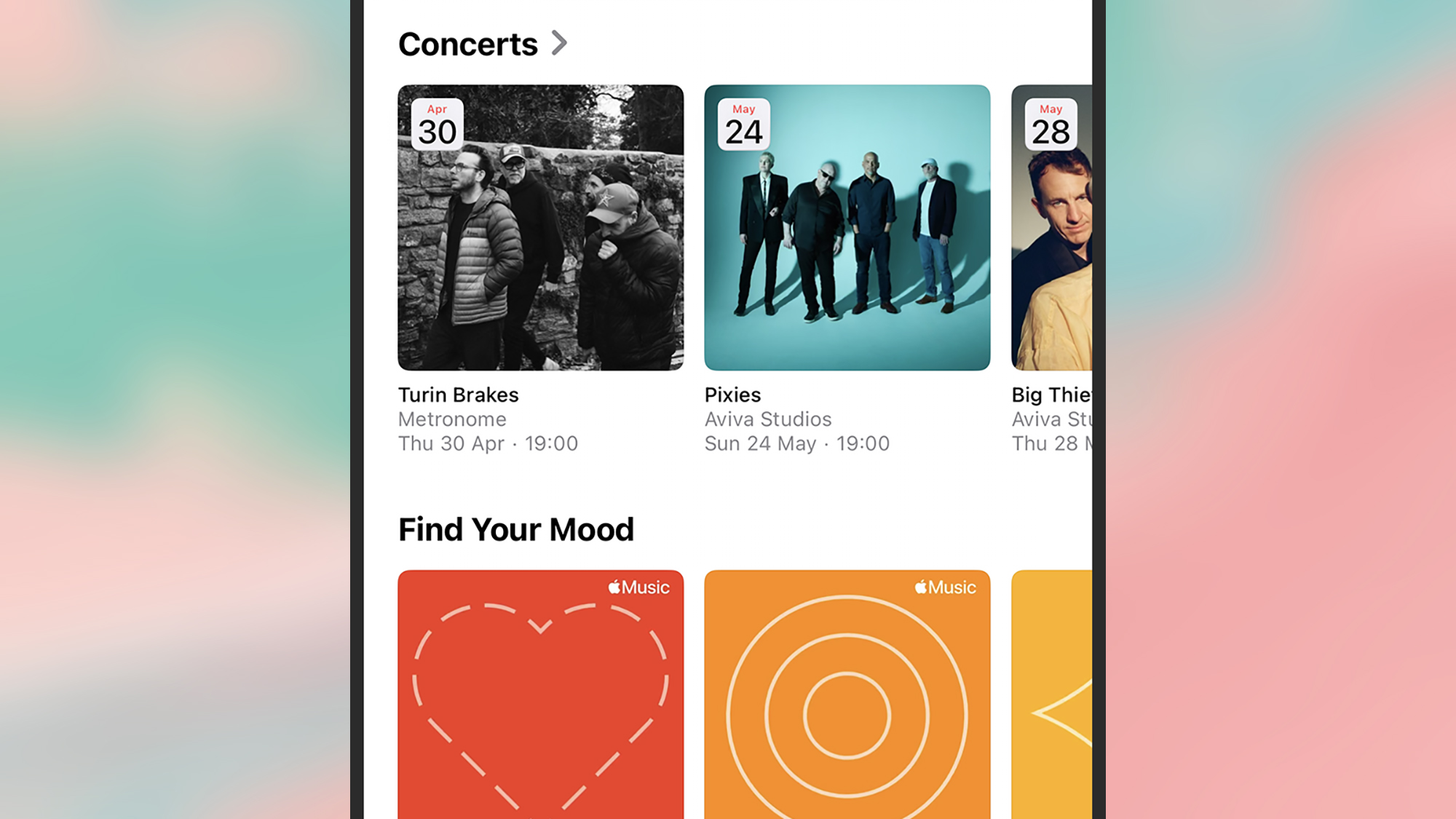
Concerts Near You: One of the new additions to Apple Music with this update is a Concerts Near You feature, and you can probably guess how it works from the name. Once you’ve granted Apple Music permission to use your location, on the Home tab you’ll find a new section for upcoming gigs in your area, matching the artists that you regularly listen to.
New emoji: Updates to iOS regularly come with new emoji included—after they’ve been approved by The Unicode Consortium—and that’s the case with this update too. Among the new graphics you can look forward to using in your messages are symbols for a trombone, a Bigfoot-style creature, a treasure chest, and a distorted (eyes bulging) face.
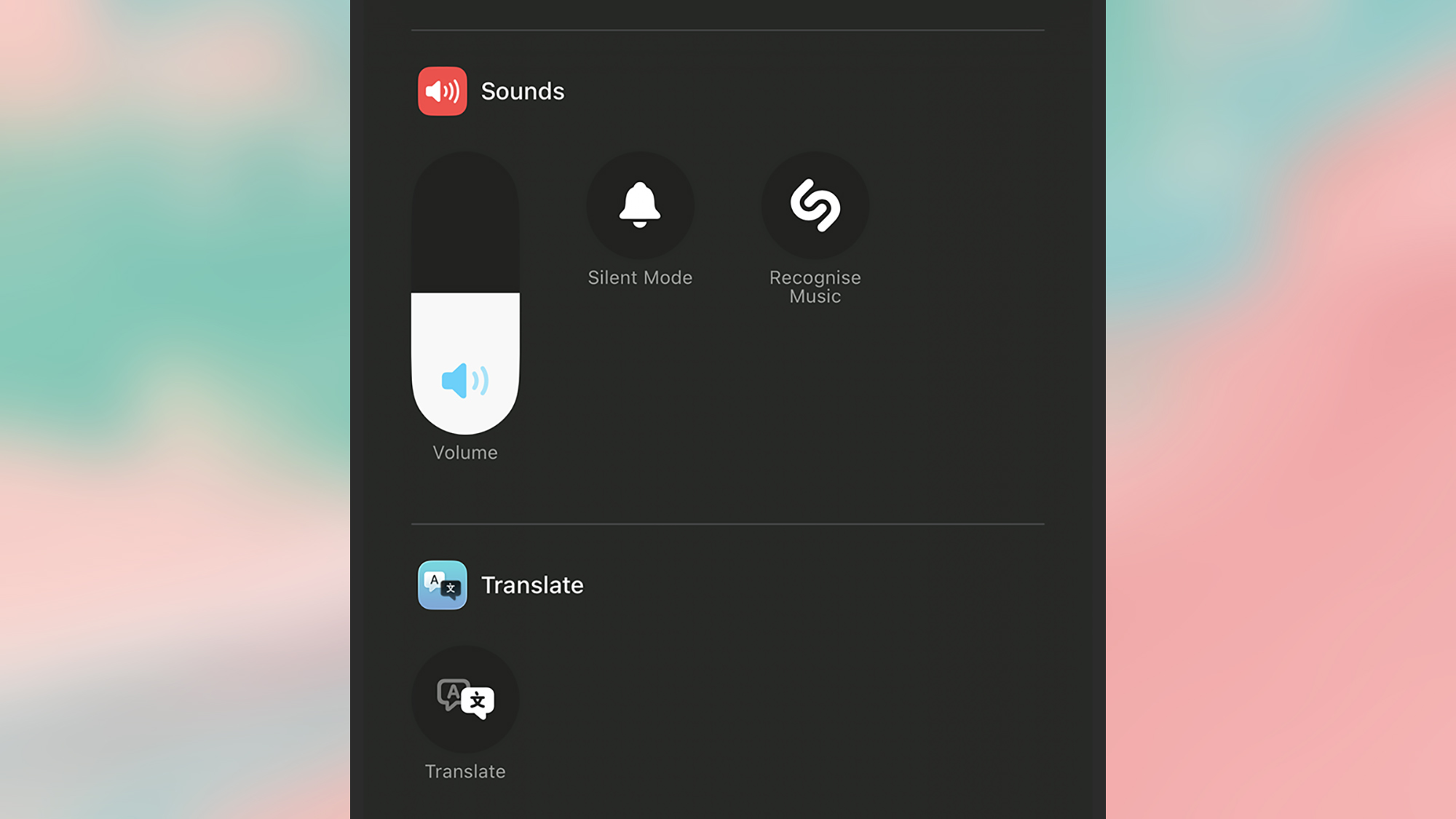
Offline music recognition: You can now use your iPhone to identify a song that’s playing in your vicinity without an internet connection… kind of. If you tap on the Recognize Music button in Control Center when you’re offline, iOS will record a snippet of audio data to use for reference, and then look up the song title whenever your device gets back online.
Playlist Playground: Back to Apple Music upgrades, and another new feature you’ll spot in the app is Playlist Playground. This is a new way of generating a playlist from an AI prompt box. So if you enter something like “the essential indie music hits of the 90s,” you’ll get back an appropriate selection of songs. Try it with moods, genres, and feelings.
Purchase sharing: File this under changes that seem to be relatively minor, but which can make a significant difference for certain people. If you’re an adult in a Family Sharing group, it’s now possible to use separate payments for purchases—so you don’t have to use the same bank account or credit card for everything that goes through iOS and its apps.
Urgent reminders: Another Apple app getting an improvement with this software update is Reminders. While the option to categorize reminders as ‘urgent’ isn’t new, there is now a smart list of these urgent items, so you can more easily find them. There are also a couple of extra ways to mark something as urgent, via a long press or from the floating toolbar.
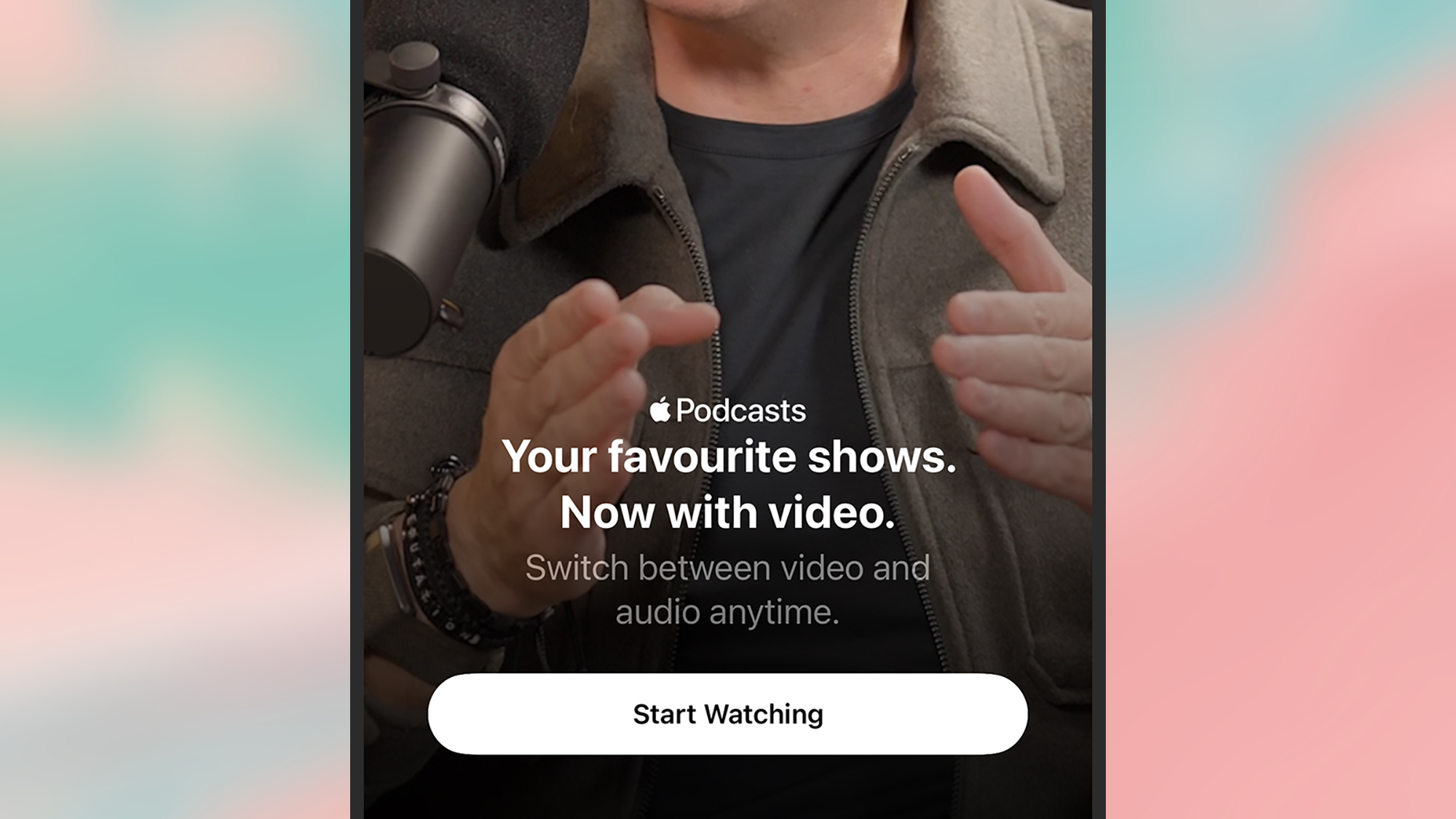
Video podcasts: Many a podcast is adding video these days, and while Apple Podcasts has technically supported video before now, the latest software update brings some big improvements. You can switch between audio and video more easily, you can download videos for offline playback, and you can adjust the playback speed for videos as well.

2025 PopSci Best of What’s New